See it in action
Real POS systems streamed over RDP to the devices you already have — phones, tablets, and rugged scanner sleds.
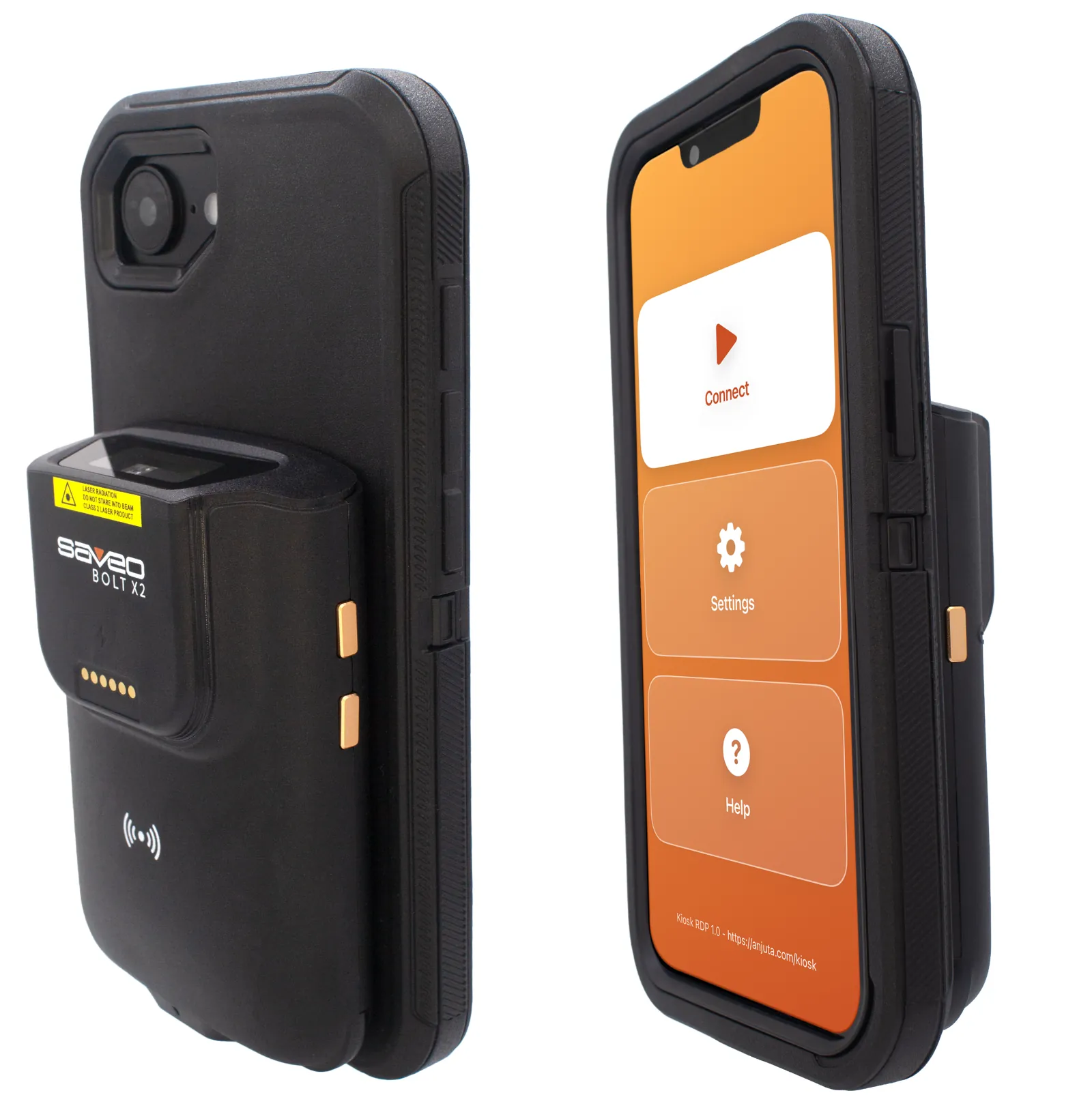
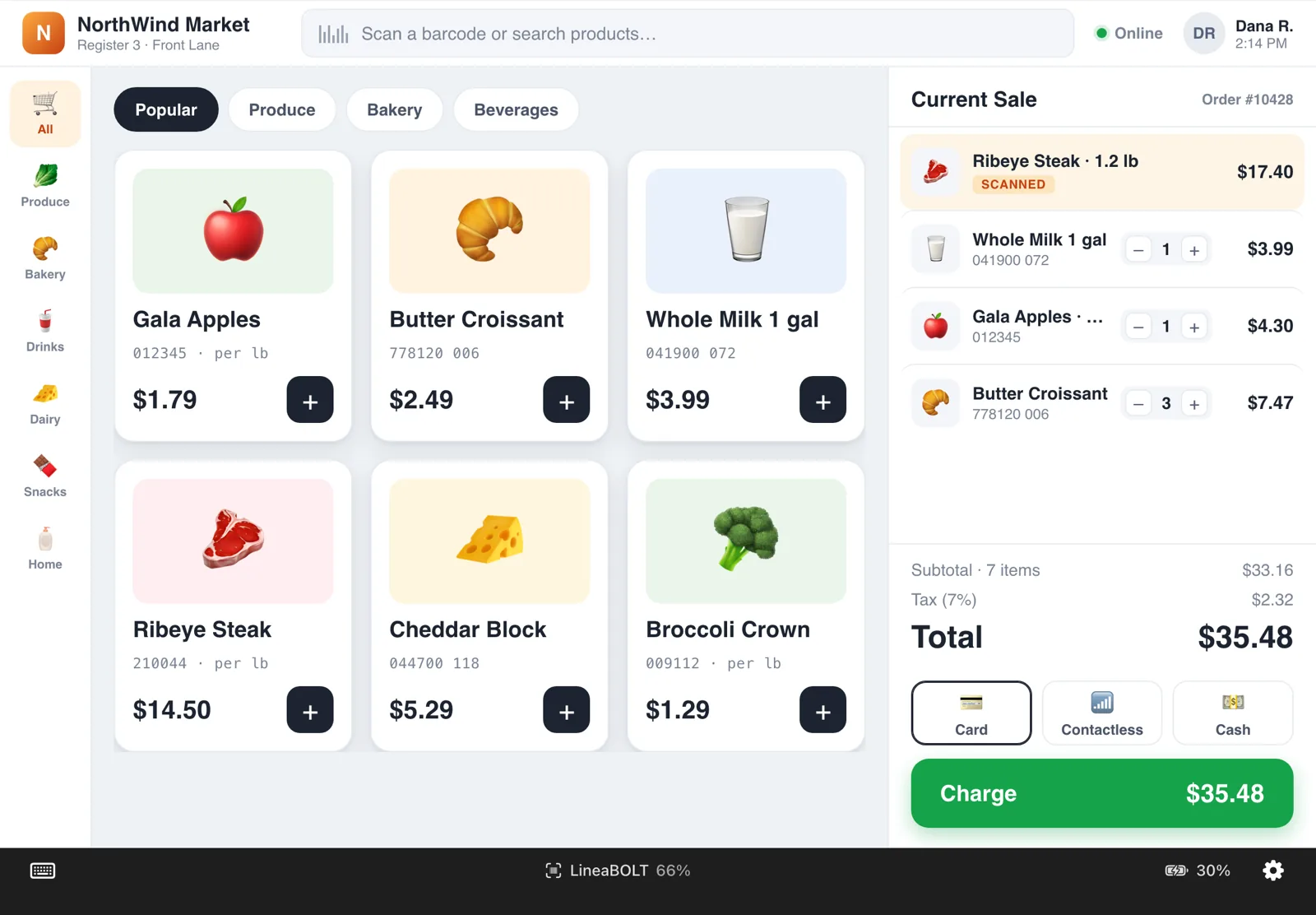
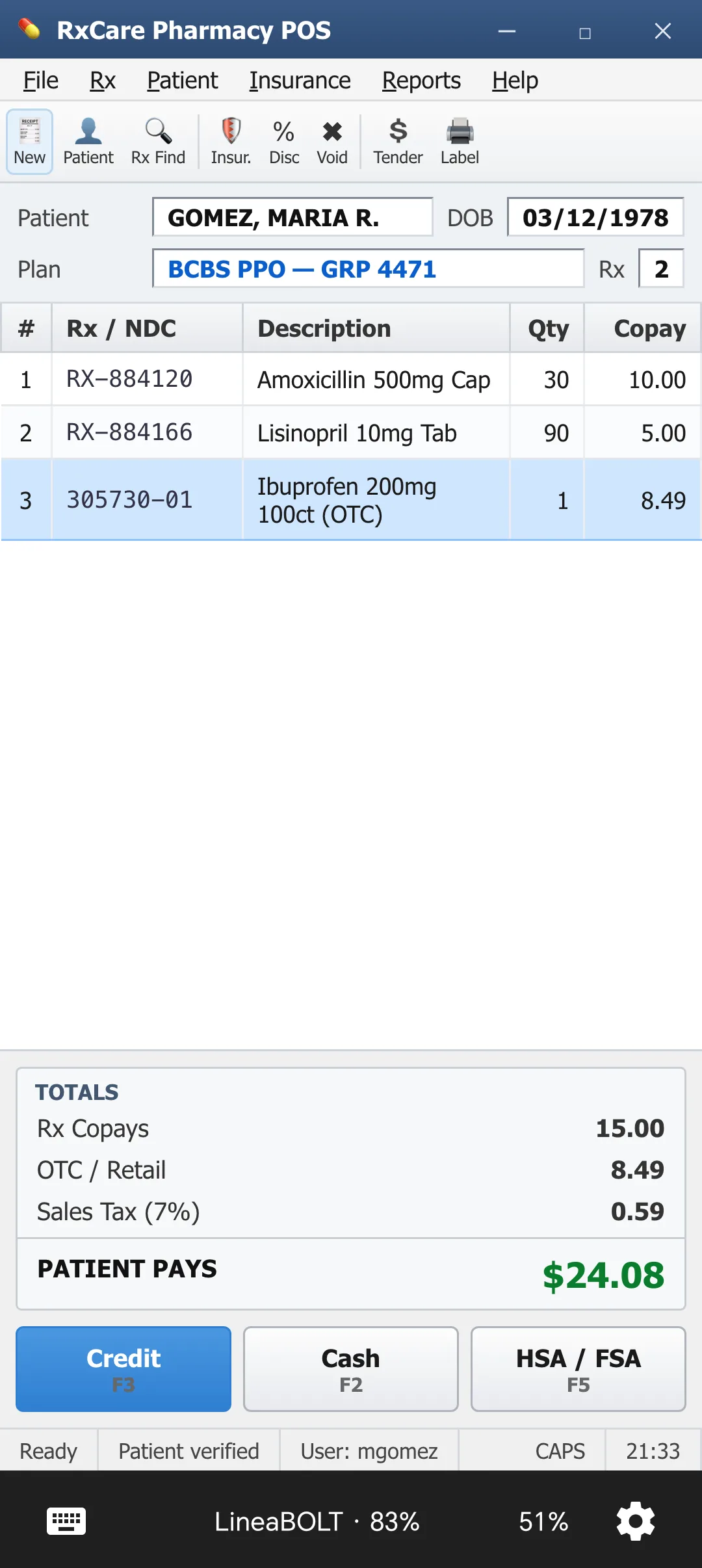
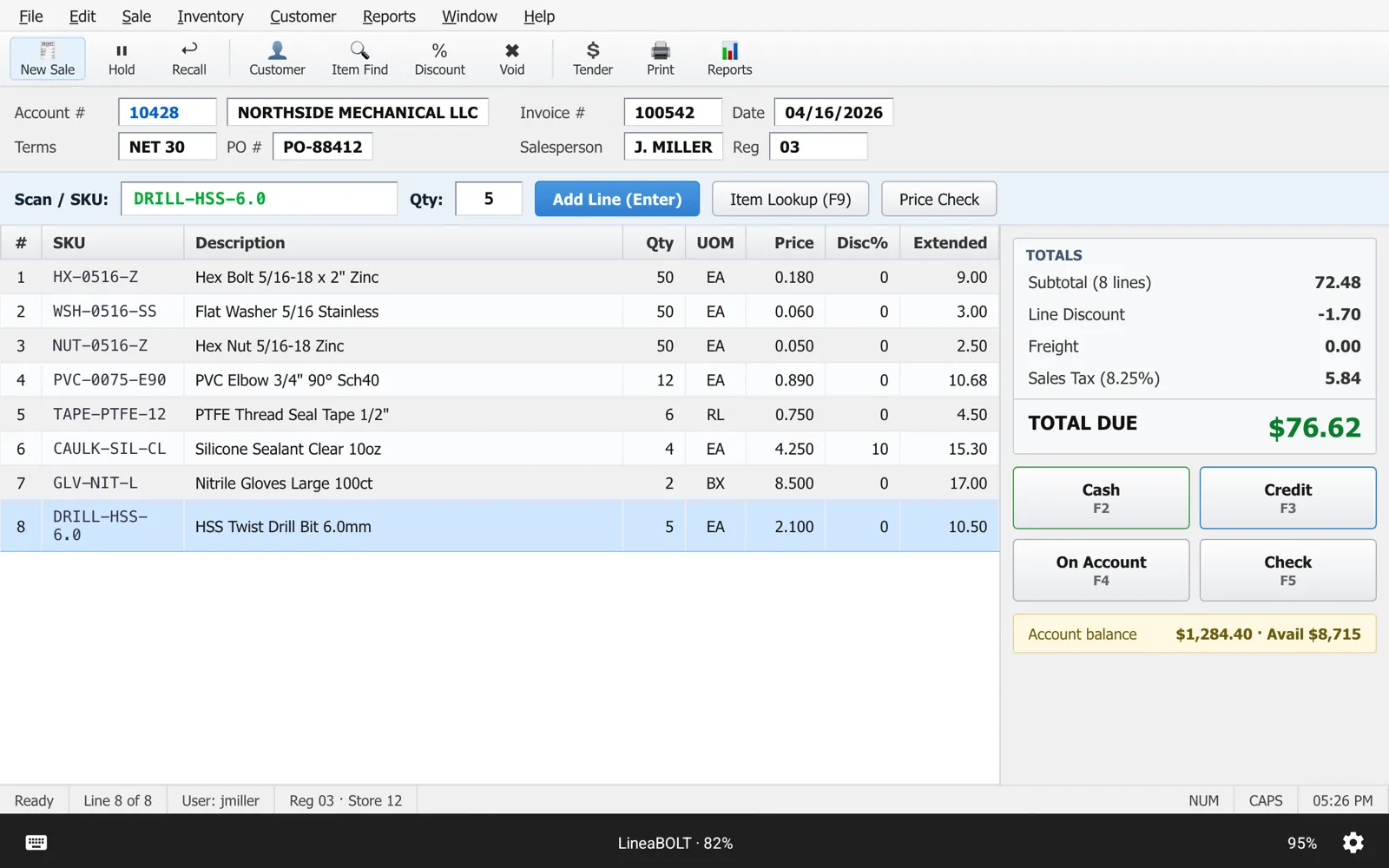
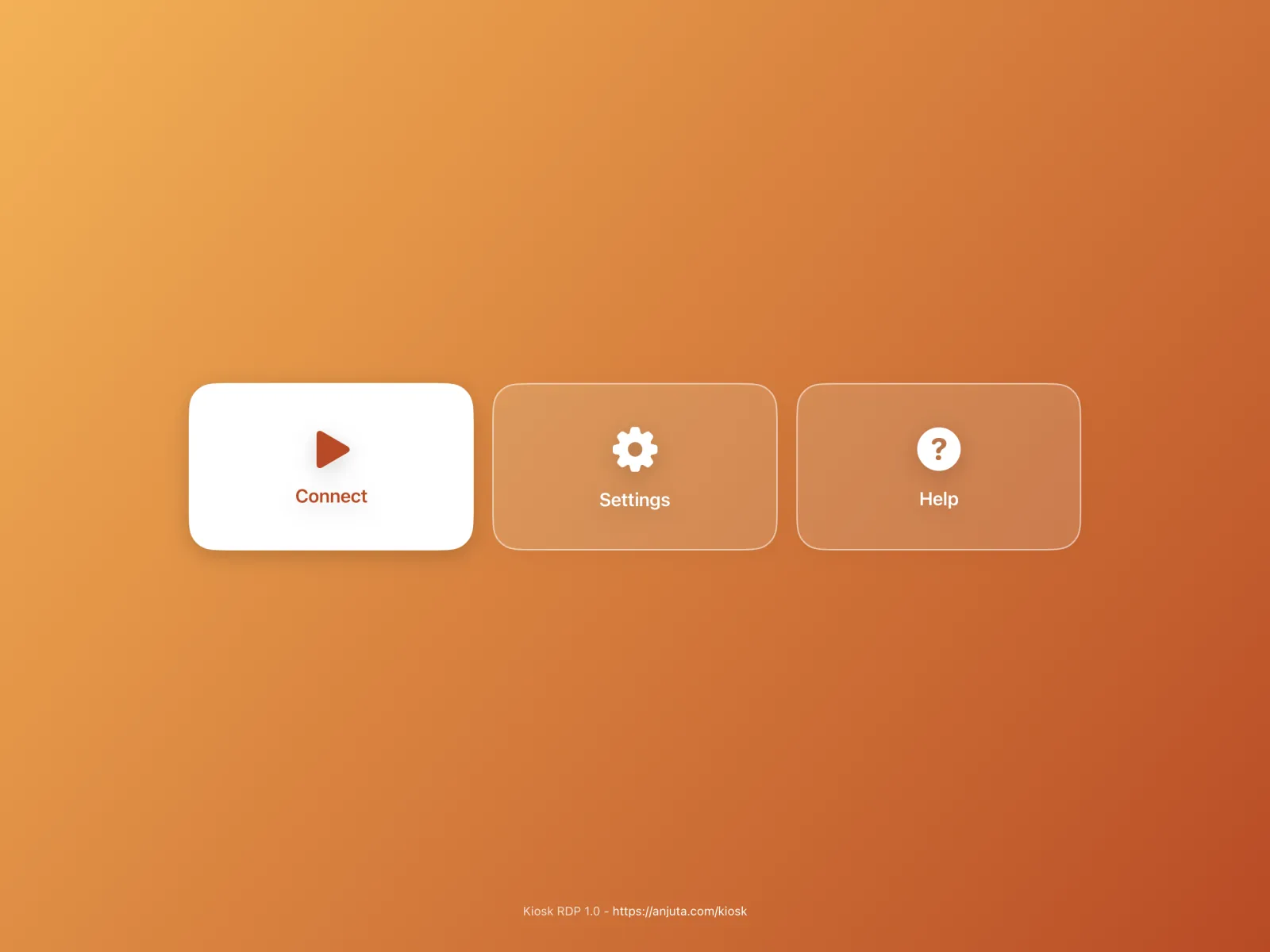
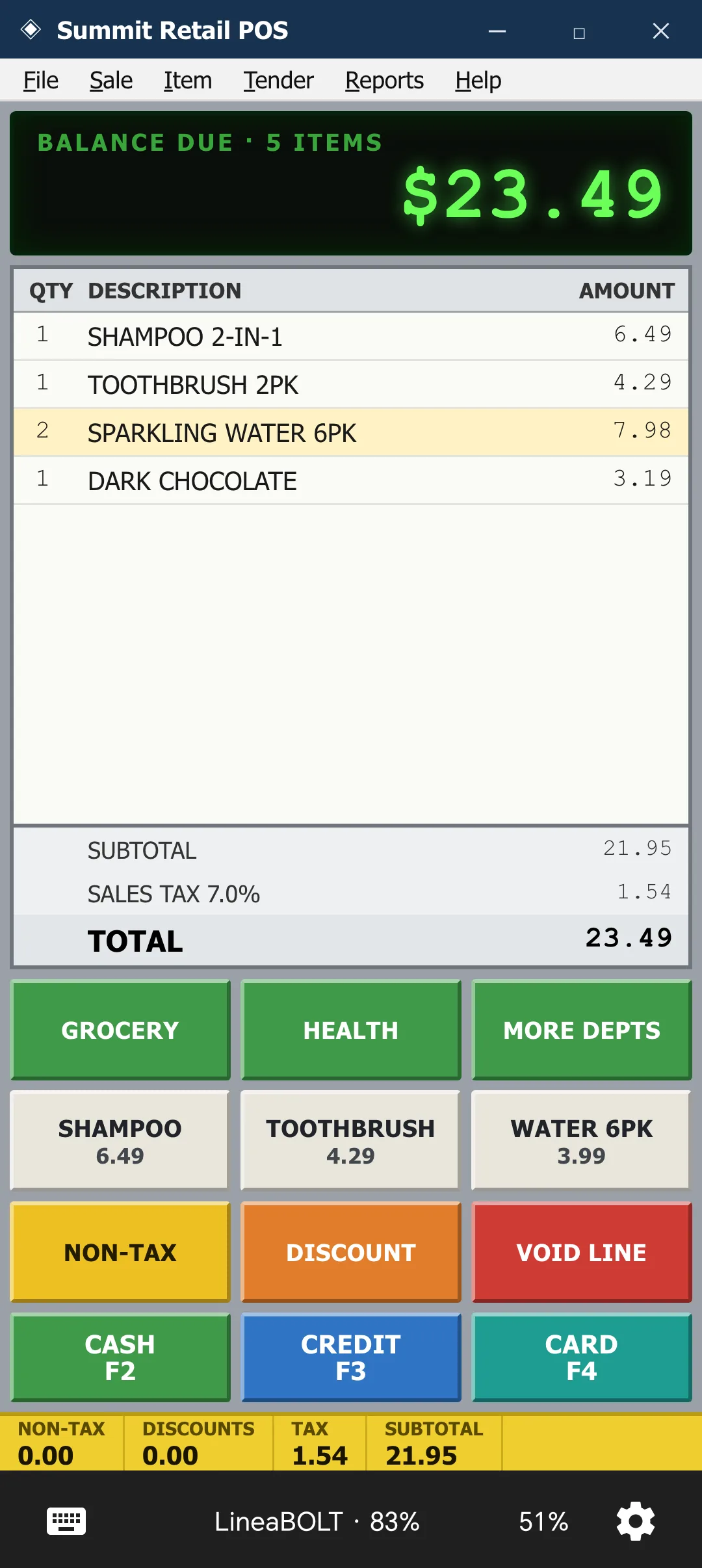
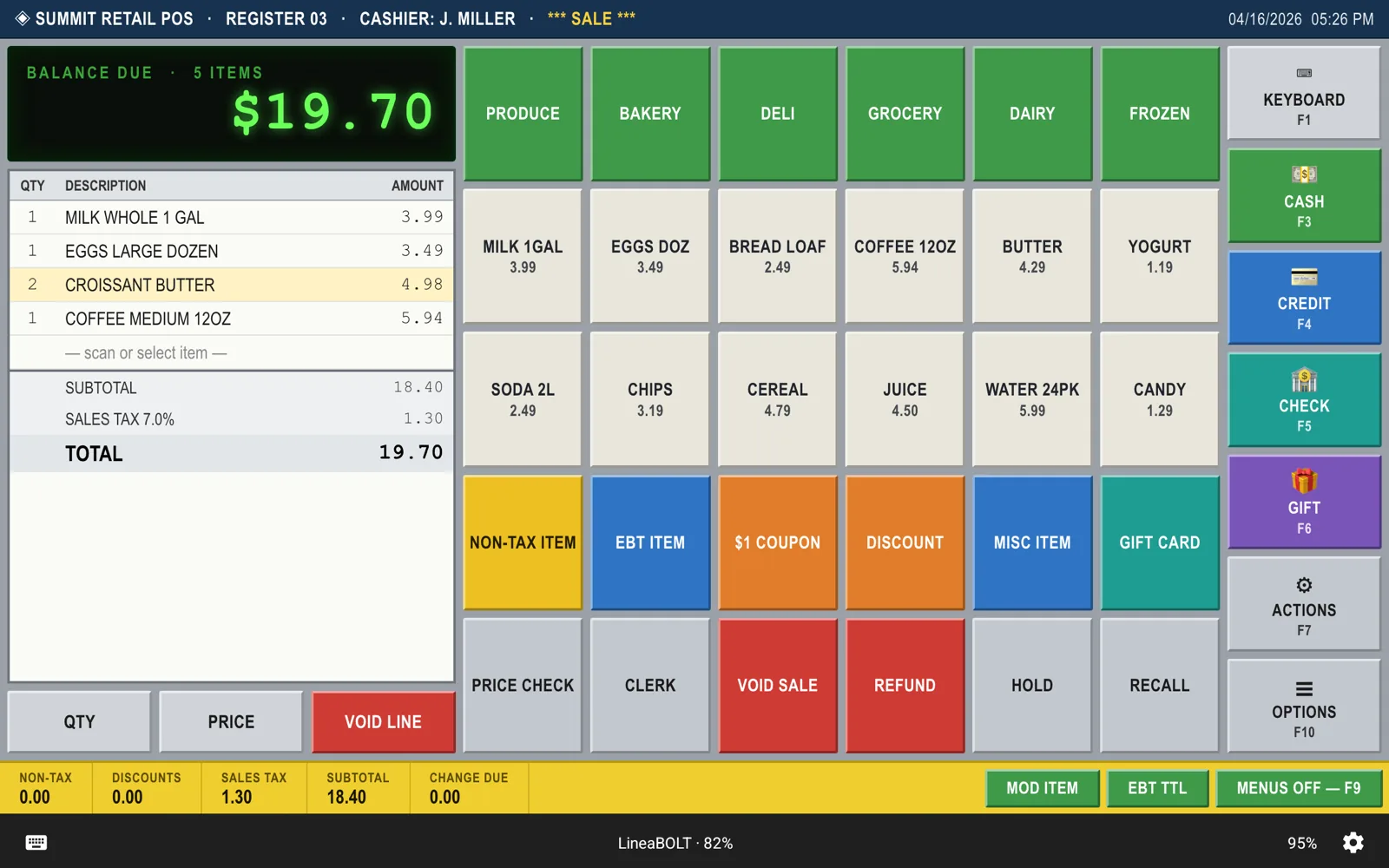
Kiosk RDP connects iOS and Android devices straight to your hospitality POS over RDP — fullscreen, auto-connecting, with barcode and card scanning built in. Mount it, power it on, take orders.
Kiosk RDP turns an off-the-shelf phone or tablet into a dedicated front-of-house terminal for the point-of-sale system you already run.
Set your POS host once. Every power-on drops staff straight into the till — no menus, no bookmarks, no tapping.
Your POS is stretched edge-to-edge to fill the panel — no letterboxing, no status bar, no home indicator in the way.
Pair a supported Infinea, Linea, or Saveo scanner and every scan — a product barcode or a tapped staff/loyalty card — is typed straight into the POS.
An optional master password gates Settings and the exit action, so staff can't drop out of the POS to the device's OS.
Remote eye-candy is off by default and resolution is tunable, so the till stays responsive over busy venue networks.
Points at your existing Windows POS server, and self-signed certificates are accepted silently — no trust dialog at the counter.
Set it up once per terminal, then let it run all shift — no IT visit, no per-device imaging.
Enter your POS server's RDP host, the terminal's credentials, and a master password to lock the settings behind.
Fix the phone or tablet at the till and pair a scanner over Bluetooth or USB. That's the whole install.
It auto-connects on every launch, keeps the screen awake through service, and reconnects if the session drops.
Real POS systems streamed over RDP to the devices you already have — phones, tablets, and rugged scanner sleds.
Now on the App Store and Google Play. Running a hotel, restaurant, bar, or café? Ask about early access or a supervised MDM rollout across your floor.
No Play Store on your Android tablets? A standalone .apk is available on request — get in touch.
Questions, a rollout for your venue, or feedback on the beta? Send a note and we'll get back to you.